
How Can Malware Replace a Wallet Address in the Clipboard?
Clipper malware watches the clipboard, recognizes a string that resembles a crypto address, and replaces it with an attacker's address before paste. The wallet may still function normally while the user signs an irreversible transfer. Practical defenses include checking both ends of the destination on the signing device, using an address book, and sending a small test amount first.
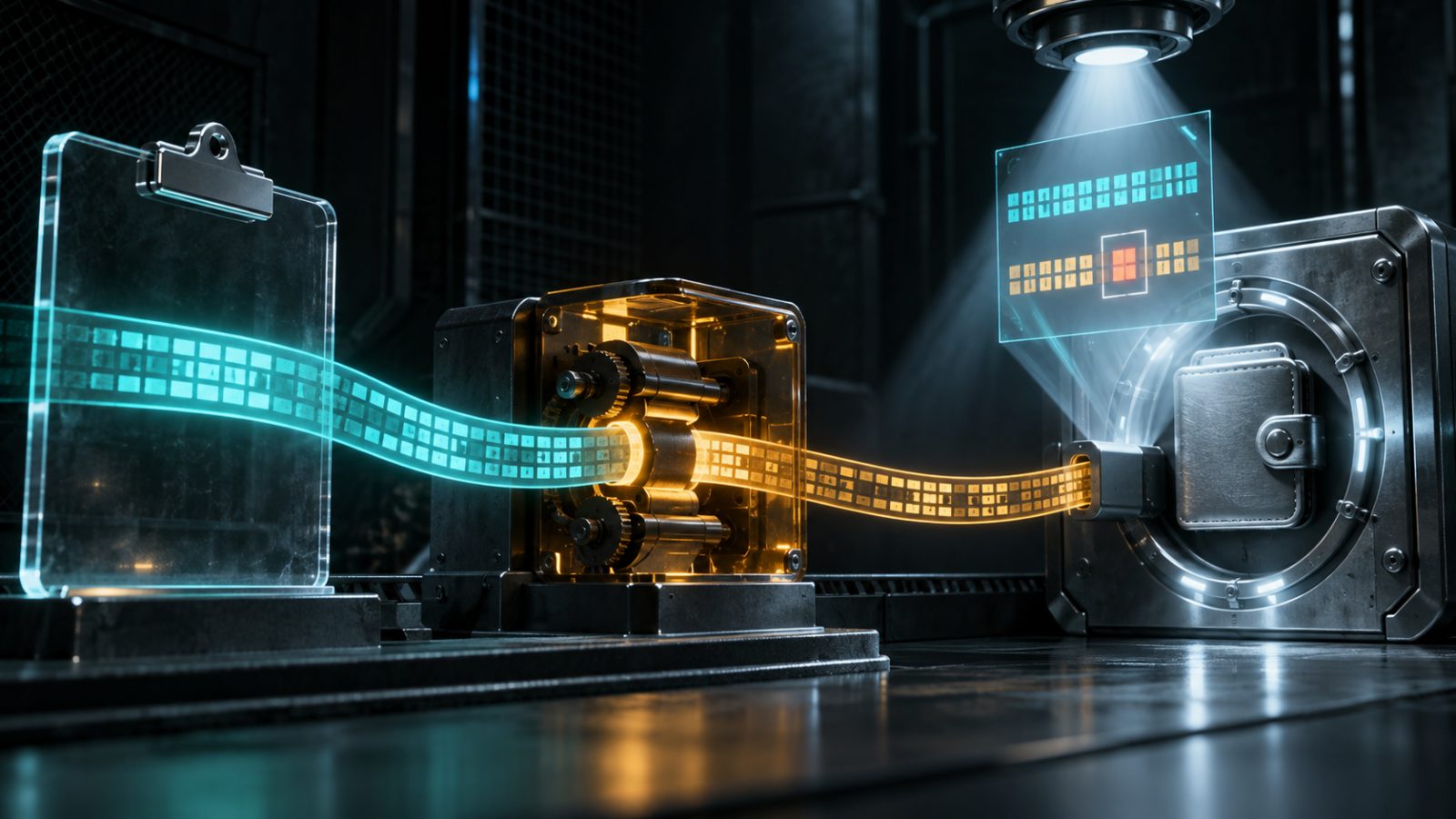
Clipper malware watches the clipboard, recognizes a string that resembles a crypto address, and replaces it with an attacker's address before paste. The wallet may still function normally while the user signs an irreversible transfer. Practical defenses include checking both ends of the destination on the signing device, using an address book, and sending a small test amount first.
How does clipboard replacement work?
Malware continuously monitors clipboard contents and compares copied strings with patterns used by addresses on different networks. When it finds a match, it writes the attacker's destination in its place. Copy and paste still appear to work normally, so the change can go unnoticed before signing.
Why does the wallet not block the attack?
From the wallet's perspective, the user constructed a normal transaction and approved a syntactically valid address. Cryptography verifies the signature and network rules, not the person's original intention. Microsoft Security documents clipping and switching as an observed cryware scenario and shows pattern-based address replacement.
How should an address be verified?
Compare more than the first four characters: check the final six to eight, overall length, and selected network. For a large transfer, verify the full destination through an independent channel. A hardware wallet helps only when the user reads the address on its own trusted display rather than approving computer data blindly.
Which habits reduce the risk?
Store verified destinations in an address book with clear labels and protected editing. Avoid pirated software and unknown extensions, keep the system and security tools updated, and use a standard account for daily work. For a new destination, send a small amount, wait for credit, and retrieve the address again from a verified source.
What are the limits and risks?
A test transfer cannot help if malware swaps only large transactions or activates after the first payment. A lookalike address may share several characters, so a short visual check is insufficient. Antivirus tools do not catch every new variant, and an address book becomes another target if the account or device is compromised.
What are the key takeaways?
- A clipper changes the address after copying but before confirmation.
- Matching the first characters does not prove the destination is correct.
- Verify transaction data on the trusted signing device.
- Address books reduce repeated copying from chats and websites.
- A test transfer limits damage but does not replace verification.
Sources
- Microsoft Cryware
- Clipboard replacement
- Wallet verification
This article is for information only and is not individual investment advice. Trading crypto carries the risk of losing your funds; results on historical data do not guarantee future results.
Check the strategy against your own data
ACARO is a terminal that executes a strategy on your own exchange account. Parameter search and backtesting on history are part of the subscription.
See pricing